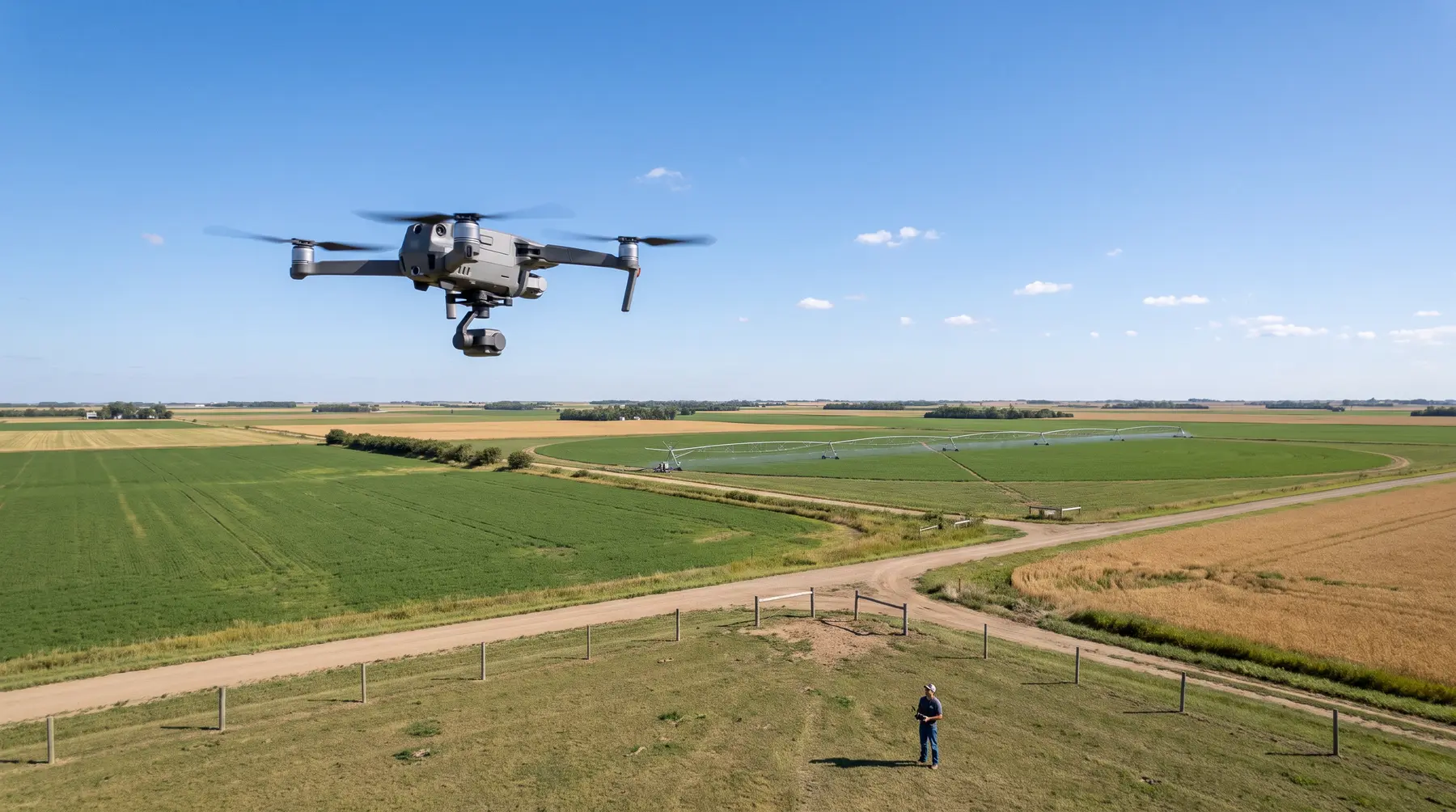
Low sun
Long shadows hide detail and shift from one pass to the next.
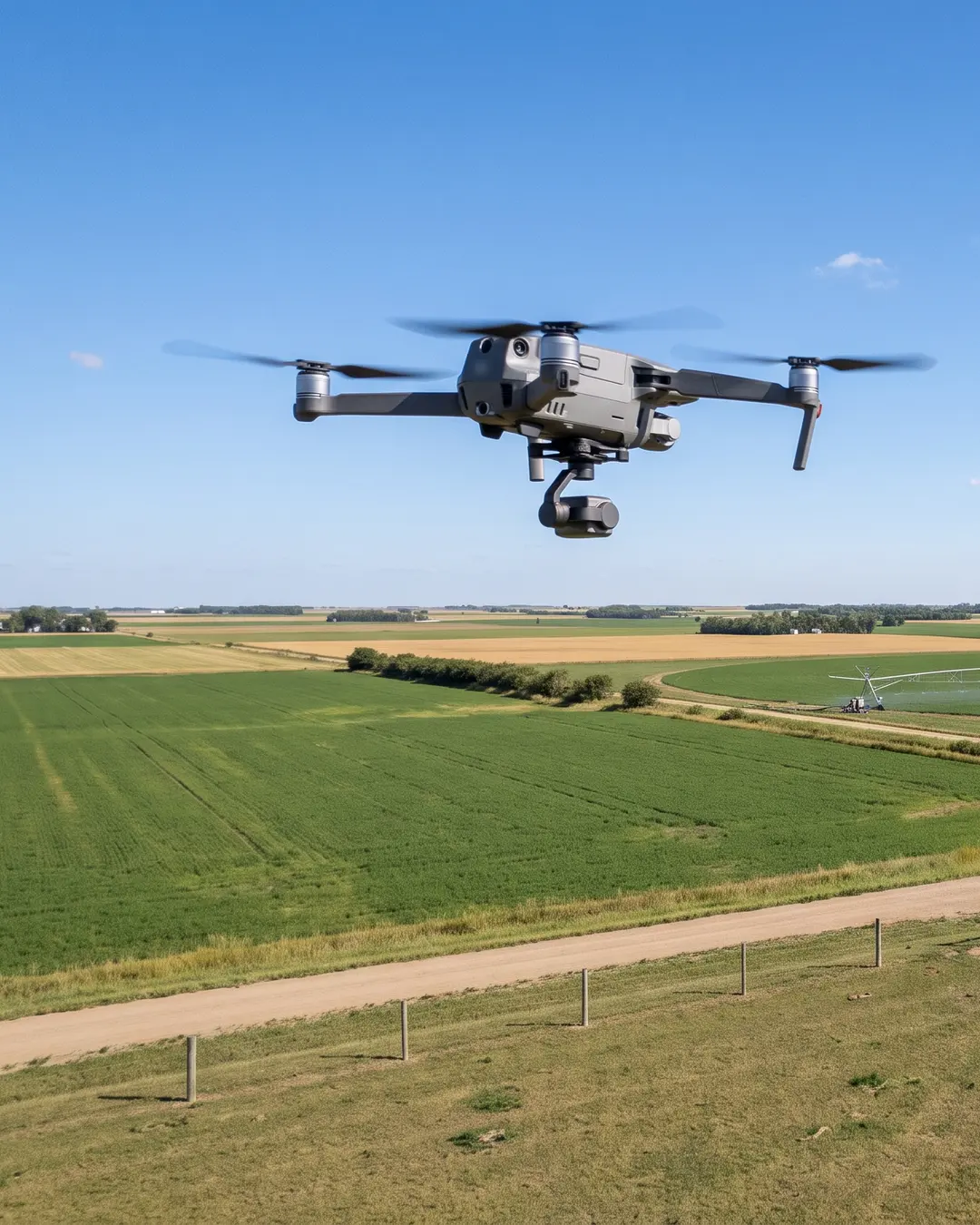
For mapping drones, photos and aerial video
SprayClarity combines wind, gusts, sun height, clouds, rain and Kp, and tells you hour by hour whether it’s a good time to fly with a camera, and why.


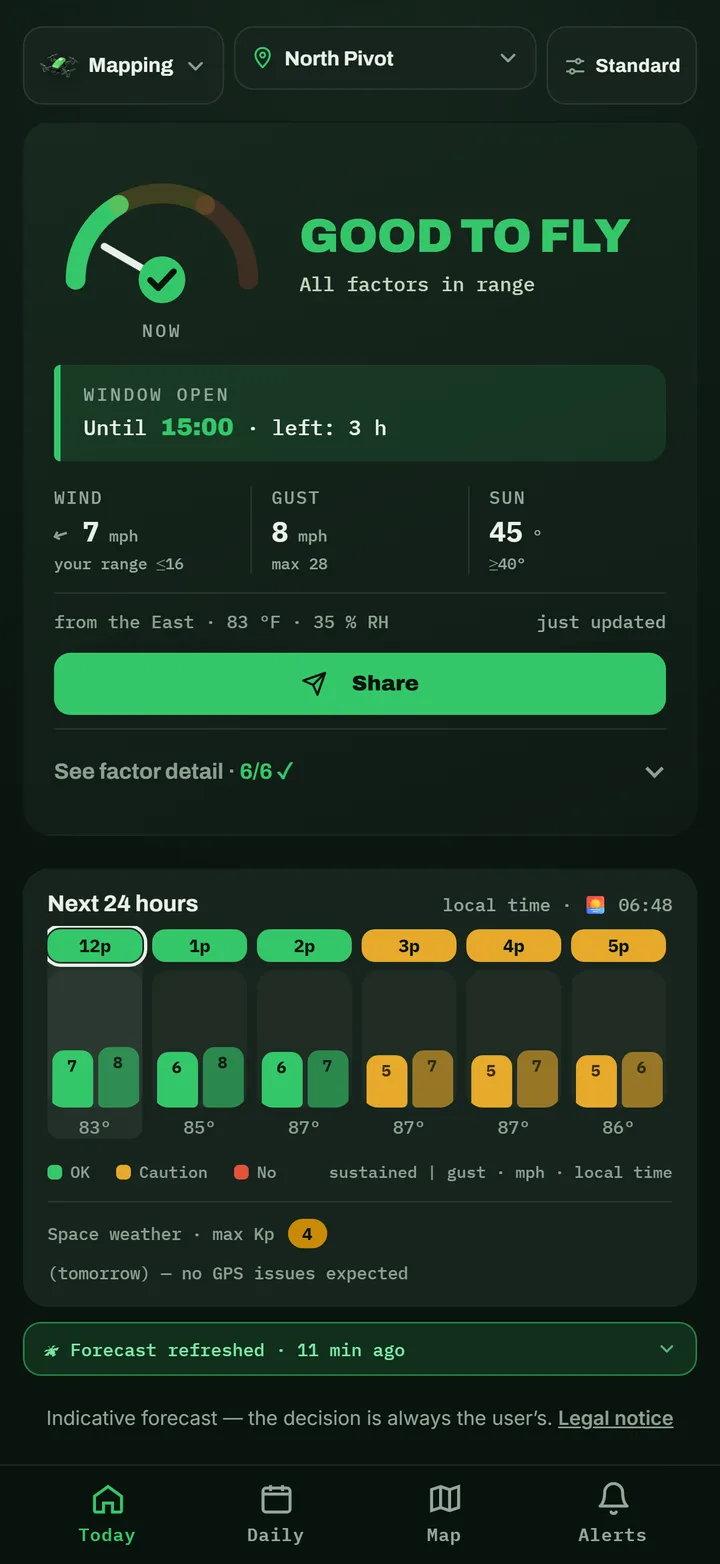
Until 15:00 · left: 3 h
Before takeoff
The sky can look clear and the flight still go wrong. This is what the app checks for you, hour by hour.
Long shadows hide detail and shift from one pass to the next.
The light changes between photos and the mosaic comes out patchy.
The drone drifts off its flight line and burns more battery.
It soaks the gear and ruins the photos.
Geomagnetic activity makes GPS and RTK unstable.
How it works
The verdict adapts to a camera flight: more wind margin and light as the main factor.
With GPS or a tap on the map. Save your clients’ fields to keep them at hand.
An hour-by-hour verdict with the reason, and the best time of each day.
With the reason
You see what’s in range and what isn’t, with the method’s limit right next to it. The call to fly is still yours.
 SprayClarity
wind ~7 mph · Mapping Drone
SprayClaritywind ~8 mph · Mapping Drone
SprayClaritywind ~6 mph · Mapping Drone
★ Pro
With Pro you get an alert at the hour a window opens on each of your fields.
Plans
No expiry
For people who spray every day
Unlock it in the app with your Google Play or App Store account. Cancel anytime.
Forecasts from public weather models via Open-Meteo, plus NOAA’s Kp index.
Out in the field with no coverage, you see the last saved forecast.
Español, English, Português and Français. km/h, mph or m/s; °C or °F.
FAQ
Wind and gusts, the sun’s height (ideal light from 40°; below that it warns you about shadows), partial clouds, rain and the GPS Kp index. You can adjust the limits to your drone.
Yes. The same factors make a good camera flight: even light, manageable wind and steady GPS.
Because it gives even light, with no hard shadows. What the app flags with caution are partial clouds, which make the light change from one photo to the next.
No. Open the app, pick “Mapping drone” and your field, and you see your window.
Yes. The hour-by-hour verdict, 3 days of forecast, the map with your fields and the morning notice are free and never expire. Pro adds 14 days, window alerts, all your fields and the decision log.
No. The forecast is indicative and the decision to fly is always yours.
Download it free and see today’s flight window on your field.